Podcast Show Notes Template (With Examples)
Imagine going to the store and finding a row of jars with no labels. Nobody buys the jar for the label, but without one, nobody knows what's inside or why they should open it. Show notes are the label on the podcast jar.
A podcast show notes template is a reusable outline you fill in for every episode. A good one has eight parts: a clear title, a one-line hook, a short summary, key takeaways, timestamps, a guest bio, links mentioned, and one call to action. Below you'll find the template to copy, three filled-in examples, and a simple way to write them in about 15 minutes.
We'll cover:
- What goes in podcast show notes
- The copy-and-paste template
- Three examples for different episode types
- How long show notes should be
- A 15-minute workflow and the common mistakes
What goes in podcast show notes
Most templates online agree on the core pieces. Where they differ is how much they ask you to write. We'd rather you write a little every week than a lot for three weeks and then stop.
Here are the eight parts, in the order a listener reads them:
- Episode title. Say what the episode is about in plain words. Put the phrase someone would search near the front.
- One-line hook. The sentence that shows before the "more" button in most apps. Make it the reason to press play.
- Short summary. Two to four sentences on what the listener will get from the episode.
- Key takeaways. Three to five bullets. This is what skimmers read.
- Timestamps. The main topics and when they start. Optional for short episodes, very helpful for long ones.
- Guest bio. Two or three sentences and links to where people can find them.
- Links and resources. Everything you mentioned: books, tools, past episodes, your own offers.
- One call to action. Subscribe, grab a download, book a call. Pick one.
Remember: one call to action. Buzzsprout's show notes guide makes the same recommendation, and it matches what we see. Three asks usually means zero clicks.
The podcast show notes template
Copy this into your doc, your host's description box, or your production tracker. Replace the brackets each week.
- Title: [Search phrase or main idea]: [specific angle]
- Hook: [One sentence. The problem this episode solves or the question it answers.]
- Summary: In this episode, [host] and [guest] talk about [topic]. You'll learn [result one], [result two], and [result three].
- Key takeaways: [Takeaway one] / [Takeaway two] / [Takeaway three]
- Timestamps: 00:00 Intro / [00:00] [Topic one] / [00:00] [Topic two] / [00:00] [Topic three] / [00:00] Wrap-up
- About the guest: [Name] is [role] at [company]. [One line on why they're worth hearing on this topic.] Find them at [link].
- Mentioned in this episode: [Resource one with link] / [Resource two with link] / [Related past episode with link]
- Next step: [One call to action with one link.]
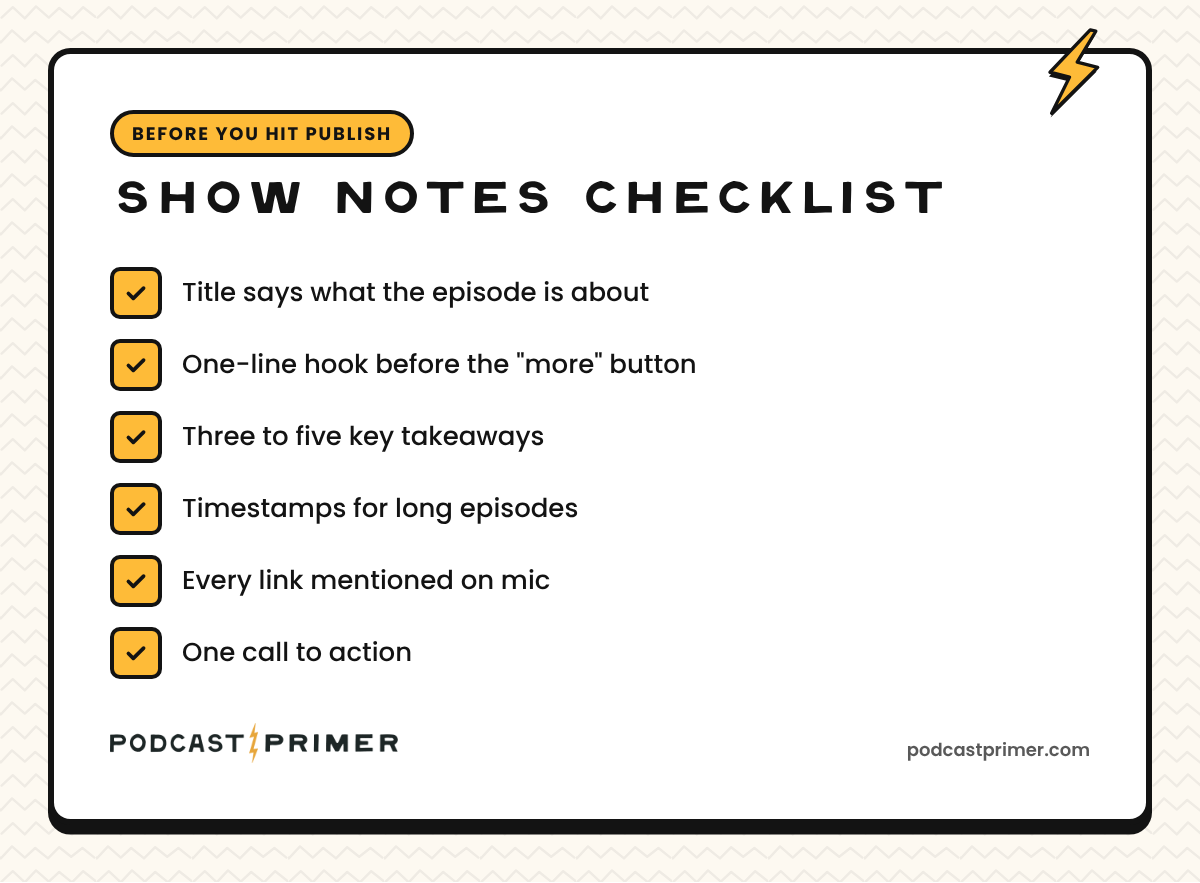
We've also put this into a free, fill-in version with a pre-publish checklist. Get the show notes template.
Reality check: you don't have to fill in every field every week. A solo episode with no guest skips the bio. A 12-minute episode can skip timestamps. Use the parts that fit the episode and skip the rest.
Show notes examples
Here's the same template filled in three ways. These are made-up episodes, written to show the shape.
Example 1: A short solo episode
- Title: Quarterly Planning for Small Teams: The One-Page Version
- Hook: If your quarterly plan is longer than a page, nobody is reading it.
- Summary: A quick walkthrough of how to fit a team's whole quarter onto one page. You'll learn what to cut, what to keep, and how to review it each week.
- Mentioned in this episode: The one-page plan worksheet (link) / Episode 14 on weekly check-ins (link)
- Next step: Download the worksheet (link).
No guest, no timestamps, five fields. That's a complete set of show notes.
Example 2: An interview episode
- Title: Hiring Your First Salesperson: What to Look For
- Hook: The best first sales hire usually isn't the best closer you can find.
- Summary: Our guest has built three small sales teams and explains what she looks for in hire number one. You'll learn which interview questions matter, how to structure the first 90 days, and when it's too early to hire at all.
- Key takeaways: Hire for curiosity before closing skill / Write down your sales process before the hire starts / Give the first 90 days one clear goal
- Timestamps: 00:00 Intro / 03:10 Why the first hire is different / 14:45 Interview questions / 27:30 The first 90 days / 38:20 When to wait
- About the guest: [Name] is head of sales at [company]. Find her on LinkedIn (link).
- Mentioned in this episode: Her interview scorecard (link) / Our episode on writing job posts (link)
- Next step: Subscribe so you catch part two (link).
Example 3: A business show built to drive leads
Business shows have a different job. The show notes should move the right listener one step closer to a conversation.
- Title: Cutting Month-End Close From 10 Days to 4
- Hook: Most of a slow close is waiting on other people. Here's how to stop waiting.
- Summary: A controller walks through the exact checklist her team uses to close faster. You'll learn which tasks to move earlier in the month and which reports nobody reads.
- Key takeaways: Move reconciliations into week three / Kill one report per quarter / Assign one owner per account
- Next step: Get the close checklist from this episode (link).
Notice the call to action is the checklist from the episode. For a business show, that's often the best ask: something useful that also tells you who's interested.
How long should podcast show notes be?
Shorter than you think. We suggest an episode description of 100 to 200 words, plus links. That's enough for listeners to decide and find what they need.
There are hard limits too:
- Apple Podcasts: Apple's RSS guide allows up to 10,000 characters in an episode description.
- Most podcast hosts: Many cap descriptions at 4,000 characters so the feed works everywhere. RSS.com explains the 4,000-character standard and why it exists.
Ask yourself: would a busy listener read all of this on their phone? If not, keep the short version in your podcast app and put the long version (with the full transcript) on your website.
Where your show notes should live
Write them once, then use them in three places:
- Your podcast host. This feeds Apple Podcasts, Spotify, the other apps and listening directories.
- Your website. An episode page with the notes, the player, and ideally the transcript. Search engines read text, not audio.
- YouTube. If you publish video, paste the notes into the description and turn your timestamps into chapters.
If you want your episode pages to show up in search, our guide to podcast keyword research shows how to pick the phrase that goes in your title.
How to write show notes in 15 minutes
Show notes feel slow because people write them from scratch, from memory, after the edit. Flip the order.
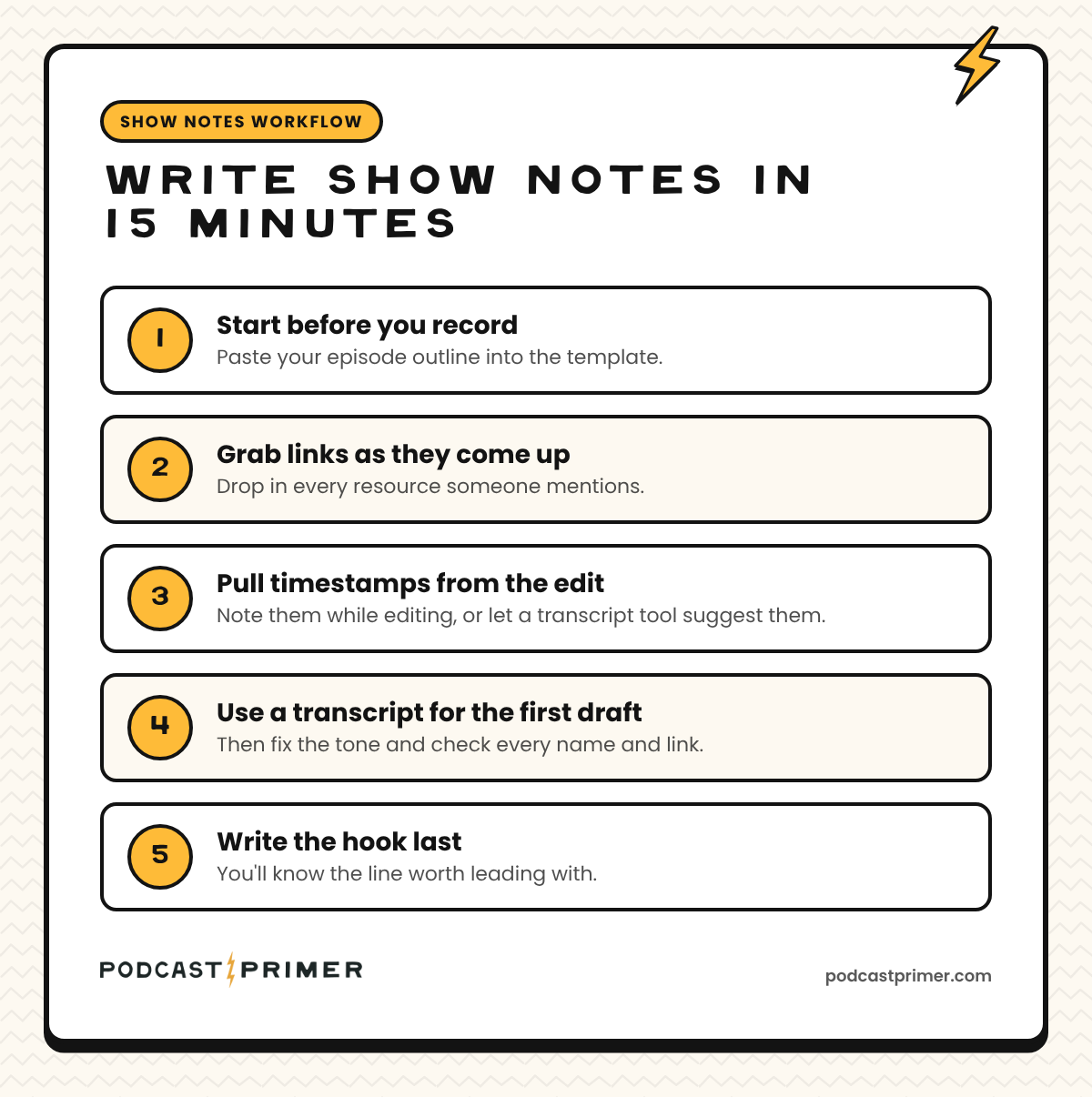
- Start before you record. Your episode outline already has the topics. Paste it into the template. Our guide on structuring a podcast episode makes this part almost automatic.
- Grab links as they come up. Keep the template open while you record or edit and drop in every resource someone mentions.
- Pull timestamps from the edit. Note them while editing, or let a transcript tool suggest them.
- Use a transcript for the first draft. AI tools can draft a summary and takeaways from the transcript. Treat it as a draft. Fix the tone and check every name and link.
- Write the hook last. Once you've heard the final cut, you'll know the one line worth leading with.
Remember: done every week beats perfect once. Complexity is what kills shows, and show notes are an easy place for complexity to creep in.
Common show notes mistakes
- A vague title. "Episode 42 with Sarah" tells nobody anything. Say what the episode is about.
- A wall of text. Apps strip most formatting. Short lines and bullets survive.
- Too many calls to action. Pick one.
- Missing links. If you said "link in the show notes" on mic, it has to be there.
- Copying the transcript and calling it notes. Transcripts are great on your website. Show notes are the summary.
Podcast show notes FAQ
What's the difference between show notes and an episode description?
People use the terms loosely. The episode description is usually the short text in podcast apps. Show notes are the fuller version with takeaways, timestamps, and links, often on your website. One template can produce both.
Do I need timestamps in my show notes?
Not for every episode. They help most on long interviews or episodes with several distinct topics. On YouTube, timestamps in the description can also become chapters.
Can I use AI to write my show notes?
Yes, for a first draft. Edit it so it sounds like you, and check every name, number, and link before you publish.
Should I put the full transcript in my show notes?
Put it on your website episode page, where it helps search and accessibility. In podcast apps, keep the notes short and link to the transcript.
Your next step
Grab the free show notes template and fill it in for your next episode before you record. Then your next step is the episode itself: our guide on how to script or outline a podcast pairs well with this template.
If you want show notes, guests, and publishing dates tracked in one place, our Podcast Production Tracker for Notion ($5) has a show notes field built into every episode.